
scanspec.specs#
Spec and its subclasses.
Members
A string returned from |
|
Concatenate two Specs together, running one after the other. |
|
Apply a constant duration to every point in a Spec. |
|
Grid of points masked to an elliptical footprint. |
|
Move through lower to upper bounds of the Spec rather than stopping. |
|
Linearly spaced frames with start and stop as first and last midpoints. |
|
Grid of points masked to a polygonal footprint. |
|
Outer product of two Specs, nesting inner within outer. |
|
Linearly spaced frames with start and stop as the bounding midpoints. |
|
Run the Spec in reverse on every other iteration when nested. |
|
A serializable representation of the type and parameters of a scan. |
|
Archimedean spiral of "x_axis" and "y_axis". |
|
Squash a stack of Dimension together into a single expanded Dimension object. |
|
A static frame, repeated num times, with axis at value. |
|
Run two Specs in parallel, merging their midpoints together. |
|
Flyscan, zipping with fixed duration for every frame. |
|
Step scan, with num frames of given duration at each frame in the spec. |
- scanspec.specs.VARIABLE_DURATION = 'VARIABLE_DURATION'#
A string returned from
Spec.durationto signify it produces a different duration for each point
- class scanspec.specs.Concat(*args: Any, left: Spec[Axis], right: Spec[Axis], gap: bool = False, check_path_changes: bool = True, type: Literal['Concat'] = 'Concat')[source]#
Concatenate two Specs together, running one after the other.
Each Dimension of left and right must contain the same axes. Typically formed using
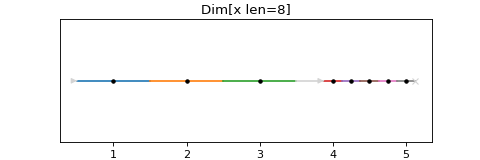
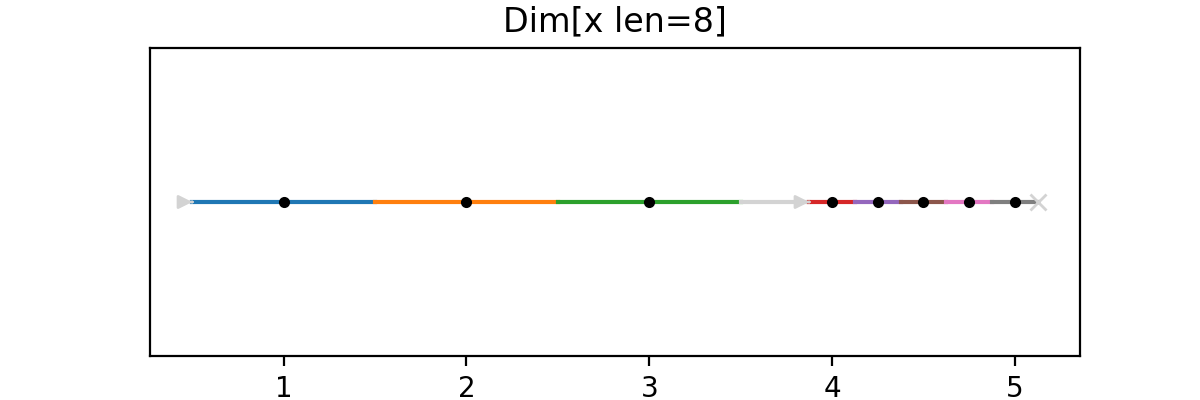
Spec.concat.# Example Spec from scanspec.plot import plot_spec from scanspec.specs import Fly, Linspace spec = Fly(Linspace("x", 1, 3, 3).concat(Linspace("x", 4, 5, 5))) plot_spec(spec)
(
Source code,png,hires.png,pdf)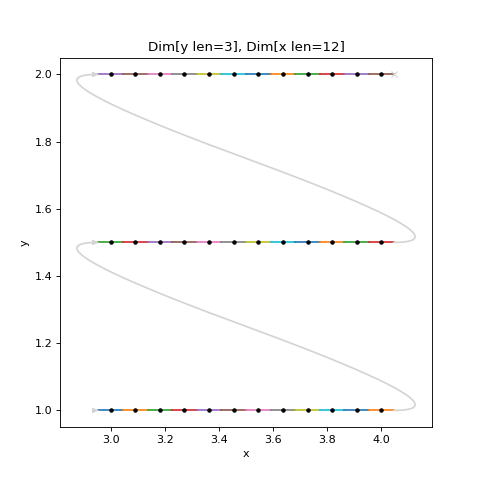
- axes() list[Axis][source]#
Return the list of axes that are present in the scan.
Ordered from slowest moving to fastest moving.
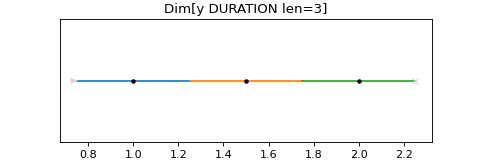
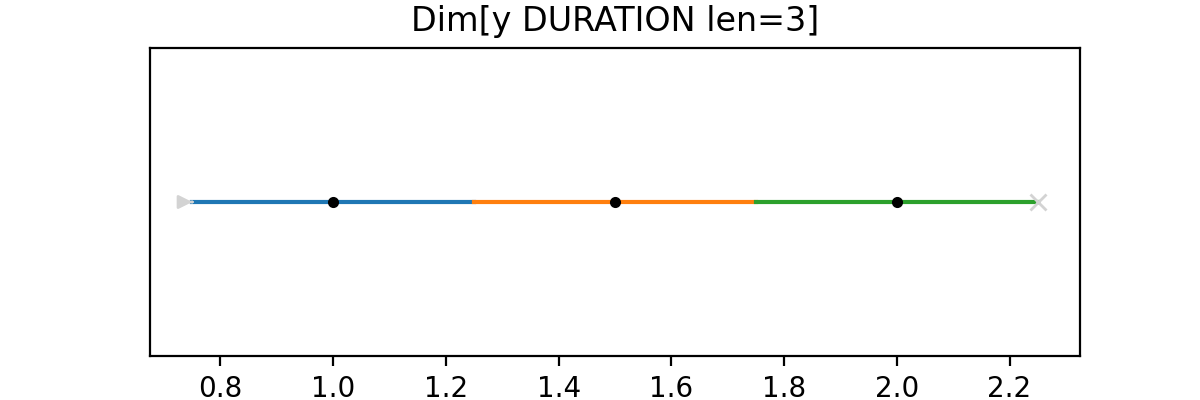
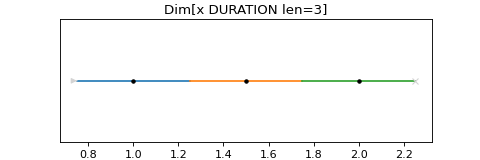
- class scanspec.specs.ConstantDuration(*args: Any, constant_duration: float, spec: Spec[Axis] | None = None, type: Literal['ConstantDuration'] = 'ConstantDuration')[source]#
Apply a constant duration to every point in a Spec.
Typically applied with the
@modifier.# Example Spec from scanspec.plot import plot_spec from scanspec.specs import Linspace spec = 0.1 @ Linspace("x", 1, 2, 3) plot_spec(spec)
(
Source code,png,hires.png,pdf)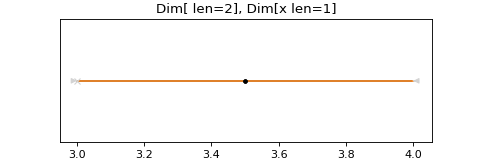
- axes() list[Axis][source]#
Return the list of axes that are present in the scan.
Ordered from slowest moving to fastest moving.
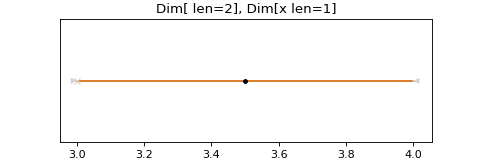
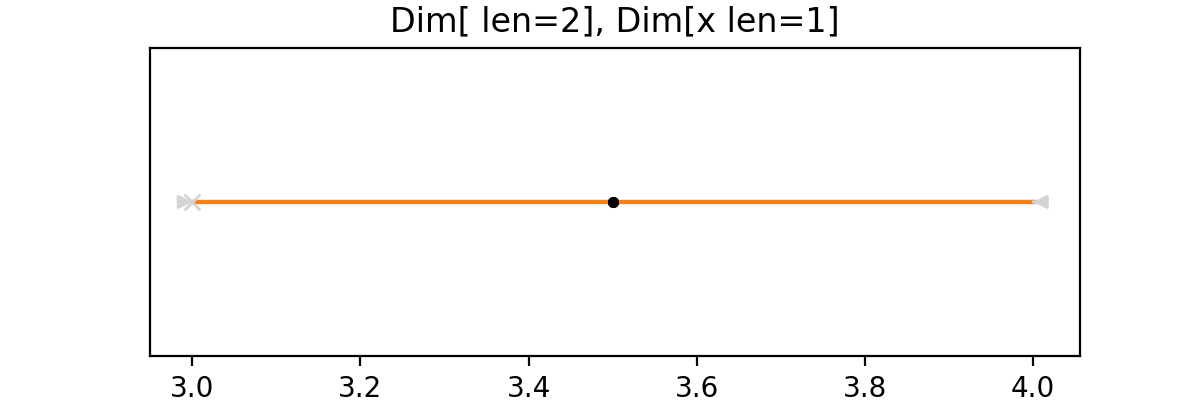
- class scanspec.specs.Ellipse(*args: ~typing.Any, x_axis: ~scanspec.core.Axis, x_centre: float, x_diameter: float, x_step: ~typing.Annotated[float, ~annotated_types.Gt(gt=0)], y_axis: ~scanspec.core.Axis, y_centre: float, y_diameter: float = <factory>, y_step: ~typing.Annotated[float, ~annotated_types.Gt(gt=0)] = <factory>, snake: bool = False, vertical: bool = False, type: ~typing.Literal['Ellipse'] = 'Ellipse')[source]#
Grid of points masked to an elliptical footprint.
Constructs a 2-D scan over an axis-aligned ellipse defined by
(x_axis, y_axis), centred at (x_centre,y_centre), with diametersx_diameterandy_diameter. Grid spacing along each axis is controlled byx_stepandy_step. Ifsnakeis True, the fast axis will zigzag like a snake. Ifverticalis True, the y axis will be the fast axis.Starts from one of the four extremes of the ellipse identified by the signs of
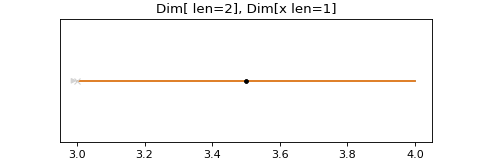
x_stepandy_step.# Example Spec from scanspec.plot import plot_spec from scanspec.specs import Ellipse, Fly # An elliptical region centred at (0, 0) on axes "x" and "y", # with 10x6 diameters and steps of 0.5 in both directions. spec = Fly( Ellipse( "x", 0, 10, 0.5, "y", 0, 6, snake=True, vertical=False, ) ) plot_spec(spec)
(
Source code,png,hires.png,pdf)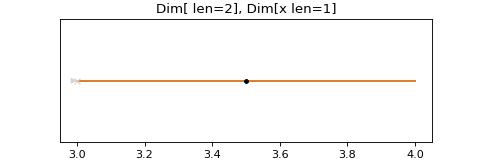
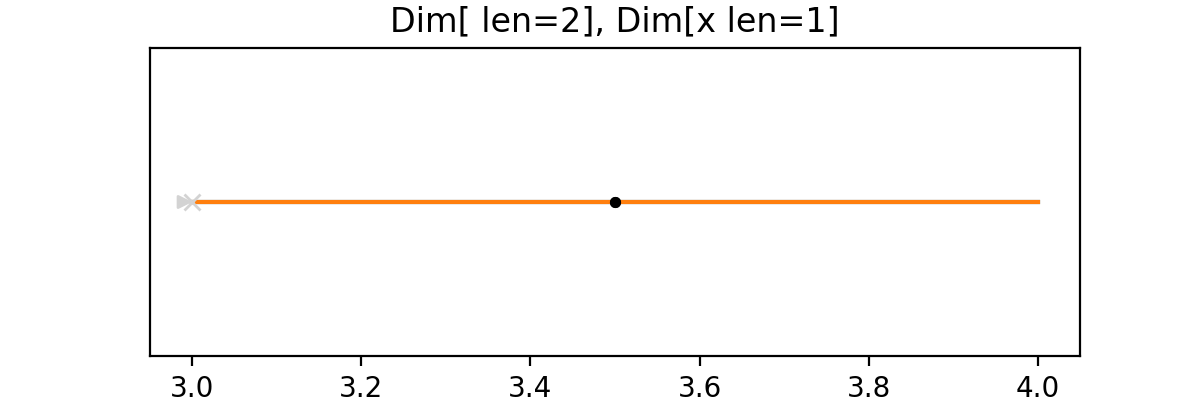
- class scanspec.specs.Fly(*args: Any, spec: Spec[Axis], type: Literal['Fly'] = 'Fly')[source]#
Move through lower to upper bounds of the Spec rather than stopping.
This is commonly termed a “fly scan” rather than a “step scan”
# Example Spec

from scanspec.plot import plot_spec
from scanspec.specs import Fly, Linspace

spec = Fly(Linspace("x", 1, 2, 3))
plot_spec(spec)
(
Source code,png,hires.png,pdf)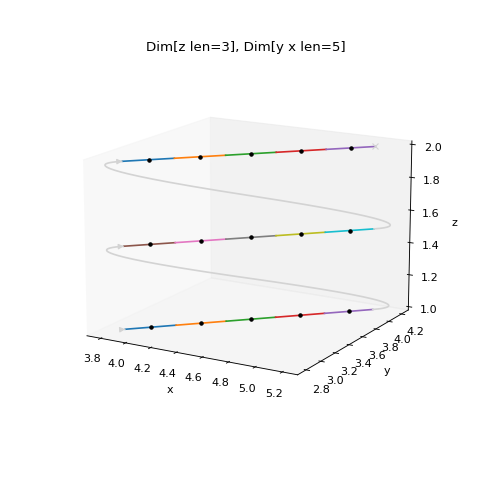
- axes() list[Axis][source]#
Return the list of axes that are present in the scan.
Ordered from slowest moving to fastest moving.
- class scanspec.specs.Linspace(*args: Any, axis: Axis, start: float, stop: float, num: Annotated[int, Ge(ge=1)] = 1, type: Literal['Linspace'] = 'Linspace')[source]#
Linearly spaced frames with start and stop as first and last midpoints.
This class is intended to handle linearly spaced frames defined with a specific number of frames.
See also
Range: For linearly spaced frames defined with a step size.# Example Spec from scanspec.plot import plot_spec from scanspec.specs import Fly, Linspace spec = Fly(Linspace("x", 1, 2, 5)) plot_spec(spec)
(
Source code,png,hires.png,pdf)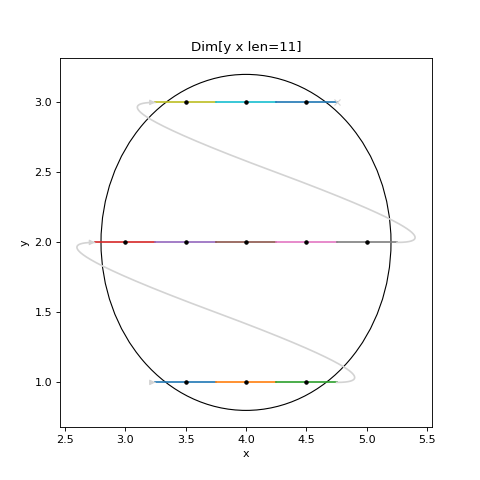
- axes() list[Axis][source]#
Return the list of axes that are present in the scan.
Ordered from slowest moving to fastest moving.
- calculate(bounds: bool = False, nested: bool = False) list[Dimension[Axis]][source]#
Produce a stack of nested
Dimensionthat form the scan.Ordered from slowest moving to fastest moving.
- bounded(lower: float = FieldInfo(annotation=NoneType, required=True, description='Lower bound of the first point of the line'), upper: float = FieldInfo(annotation=NoneType, required=True, description='Upper bound of the last point of the line'), num: int = FieldInfo(annotation=NoneType, required=False, default=1, description='Number of frames to produce (defaults to 1)', metadata=[Ge(ge=1)])) Linspace[OtherAxis][source]#
Specify a Linspace by extreme bounds instead of midpoints.
# Example Spec

from scanspec.plot import plot_spec
from scanspec.specs import Fly, Linspace

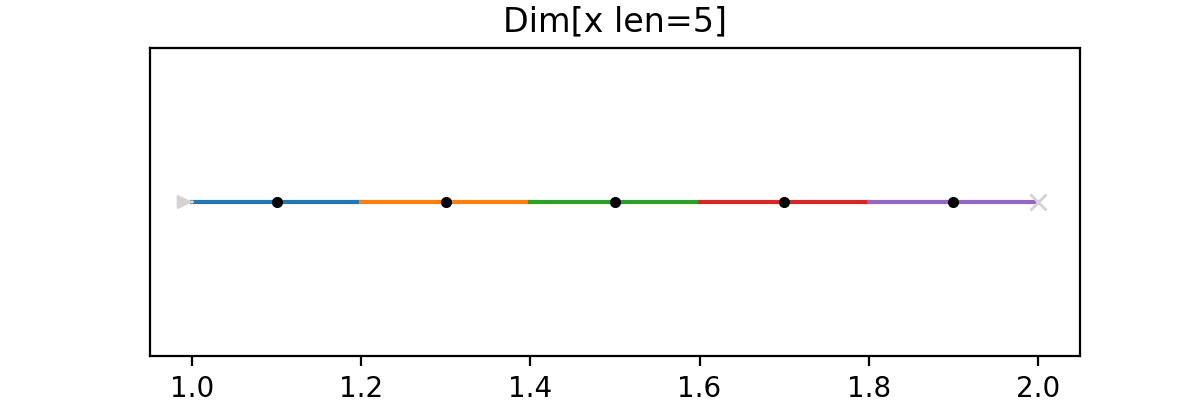
spec = Fly(Linspace.bounded("x", 1, 2, 5))
plot_spec(spec)
(
Source code,png,hires.png,pdf)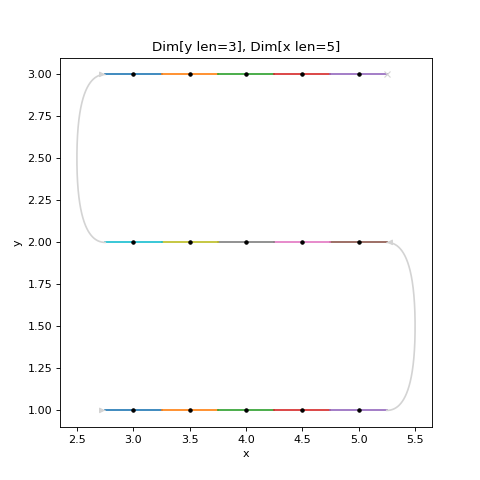

- class scanspec.specs.Polygon(x_axis: Axis, y_axis: Axis, vertices: list[tuple[float, float]], x_step: float, y_step: float = <factory>, snake: bool = False, vertical: bool = False, type: ~typing.Literal['Polygon'] = 'Polygon')[source]#
Grid of points masked to a polygonal footprint.
Constructs a 2-D scan over an axis-aligned polygon defined by an ordered list of vertices “(x, y)” given in
vertices. The polygon may be convex or concave, and the interior is determined using an even-odd ray-casting rule. Grid spacing along each axis is controlled byx_stepandy_step, Ifsnakeis True, the fast axis will zigzag like a snake. Ifverticalis True, the y axis will be the fast axis.# Example Spec from scanspec.plot import plot_spec from scanspec.specs import Polygon, Fly # A triangular region on axes "x" and "y", stepped by 0.2 units # in both directions. spec = Fly( Polygon( x_axis="x", y_axis="y", vertices=[(0, 0), (5, 0), (2.5, 4)], x_step=0.2, y_step=0.2, snake=True, vertical=False, ) ) plot_spec(spec)
(
Source code,png,hires.png,pdf)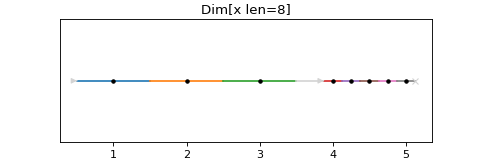
- class scanspec.specs.Product(*args: Any, outer: Spec[Axis] | int, inner: Spec[Axis] | int, gap: bool = True, type: Literal['Product'] = 'Product')[source]#
Outer product of two Specs, nesting inner within outer.
This means that inner will run in its entirety at each point in outer.
# Example Spec

from scanspec.plot import plot_spec
from scanspec.specs import Fly, Linspace

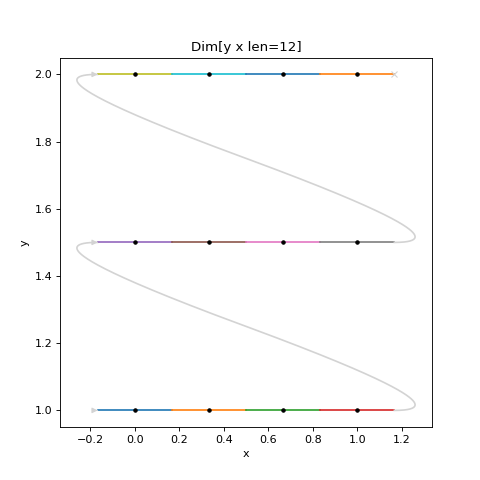
spec = Fly(Linspace("y", 1, 2, 3) * Linspace("x", 3, 4, 12))
plot_spec(spec)
(
Source code,png,hires.png,pdf)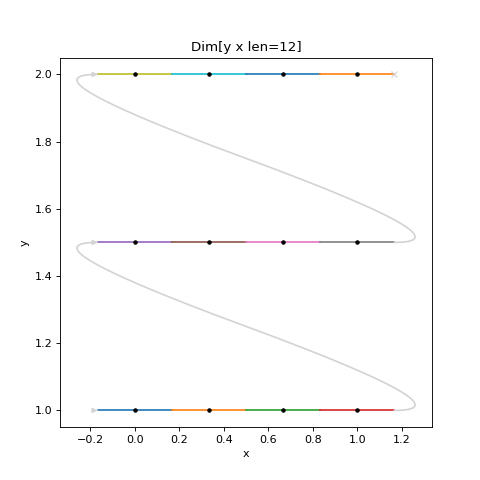
An inner integer can be used to repeat the same point many times.
# Example Spec

from scanspec.plot import plot_spec
from scanspec.specs import Fly, Linspace

spec = Fly(Linspace("y", 1, 2, 3) * 2)
plot_spec(spec)
(
Source code,png,hires.png,pdf)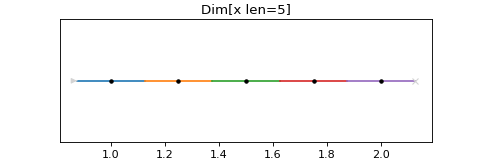
An outer integer can be used to repeat the same scan many times.
# Example Spec

from scanspec.plot import plot_spec
from scanspec.specs import Fly, Linspace

spec = Fly(2 * ~Linspace.bounded("x", 3, 4, 1))
plot_spec(spec)
(
Source code,png,hires.png,pdf)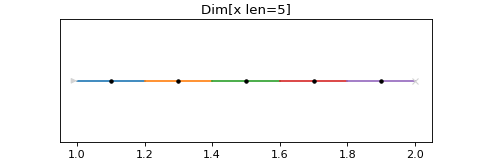
If you want snaked axes to have no gap between iterations you can do:
# Example Spec

from scanspec.plot import plot_spec
from scanspec.specs import Fly, Linspace, Product

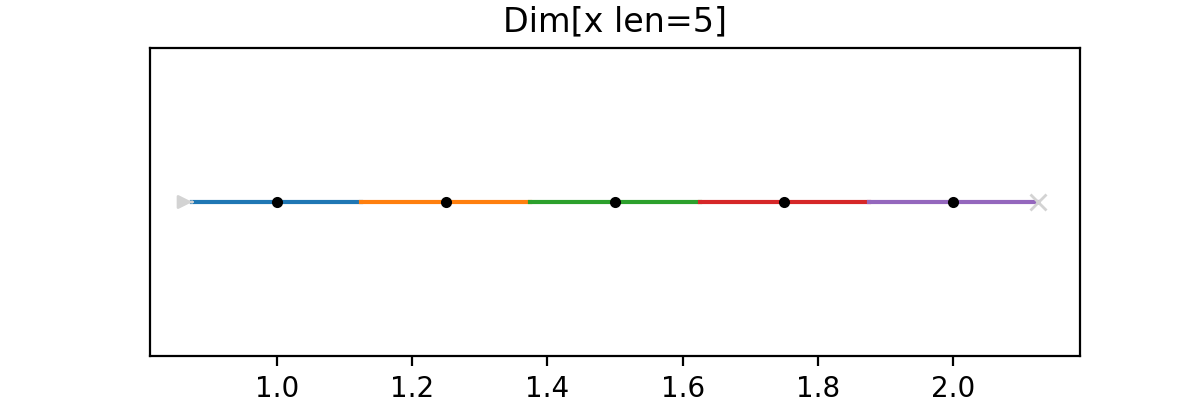
spec = Fly(Product(2, ~Linspace.bounded("x", 3, 4, 1), gap=False))
plot_spec(spec)
(
Source code,png,hires.png,pdf)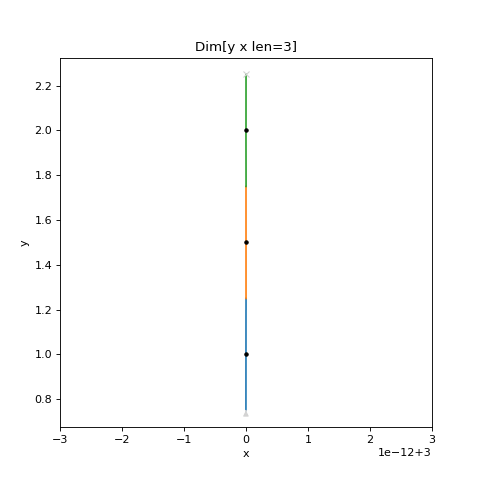
Note
There is no turnaround arrow at x=4
- axes() list[Axis][source]#
Return the list of axes that are present in the scan.
Ordered from slowest moving to fastest moving.


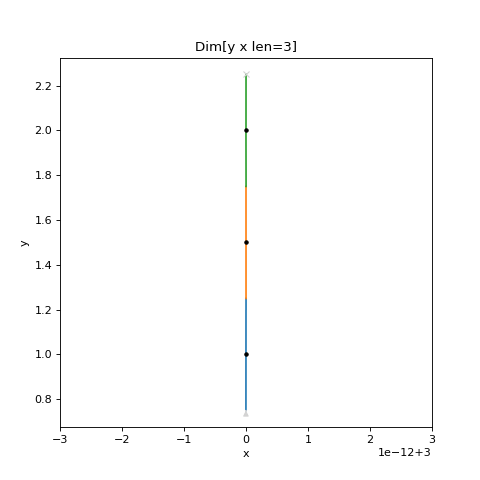
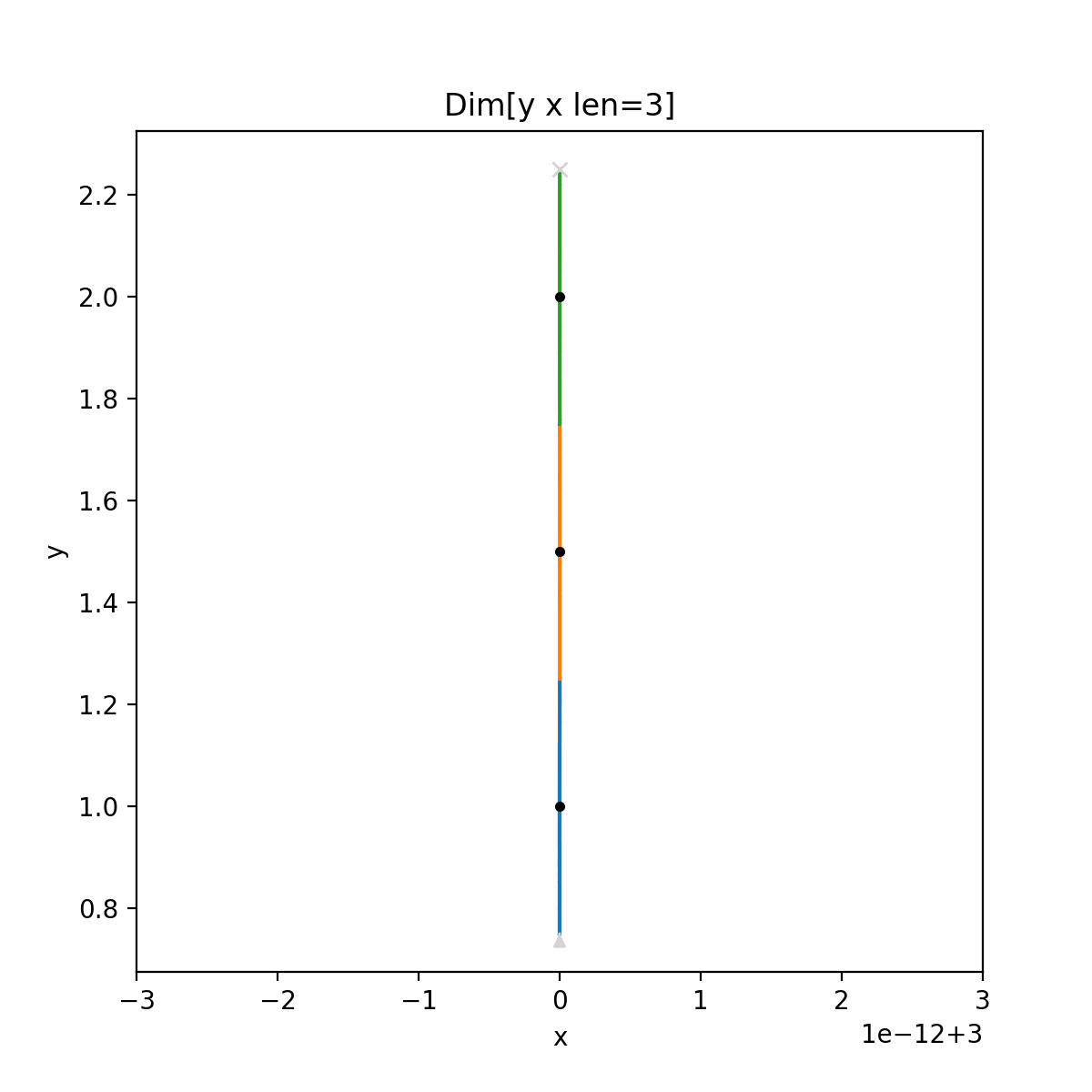
- class scanspec.specs.Range(*args: Any, axis: Axis, start: float, stop: float, step: Annotated[float, ~annotated_types.Gt(gt=0)] = <factory>, type: Literal['Range'] = 'Range')[source]#
Linearly spaced frames with start and stop as the bounding midpoints.
stepdefines the distance between midpoints.See also
Linspace: For linearly spaced frames defined with a number of frames.# Example Spec from scanspec.plot import plot_spec from scanspec.specs import Fly, Range spec = Fly(Range("x", 1, 2, 0.25)) plot_spec(spec)
(
Source code,png,hires.png,pdf)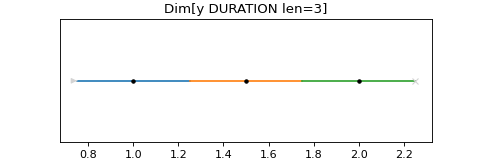
- axes() list[Axis][source]#
Return the list of axes that are present in the scan.
Ordered from slowest moving to fastest moving.
- calculate(bounds: bool = False, nested: bool = False) list[Dimension[Axis]][source]#
Produce a stack of nested
Dimensionthat form the scan.Ordered from slowest moving to fastest moving.
- bounded(lower: float = FieldInfo(annotation=NoneType, required=True, description='Lower bound of the first point of the line'), upper: float = FieldInfo(annotation=NoneType, required=True, description='Upper bound of the last point of the line'), step: float = FieldInfo(annotation=NoneType, required=True, description='Step size')) Range[OtherAxis][source]#
Specify a Range by extreme bounds instead of midpoints.
# Example Spec

from scanspec.plot import plot_spec
from scanspec.specs import Fly, Range

spec = Fly(Range.bounded("x", 1, 5, 2))
plot_spec(spec)
(
Source code,png,hires.png,pdf)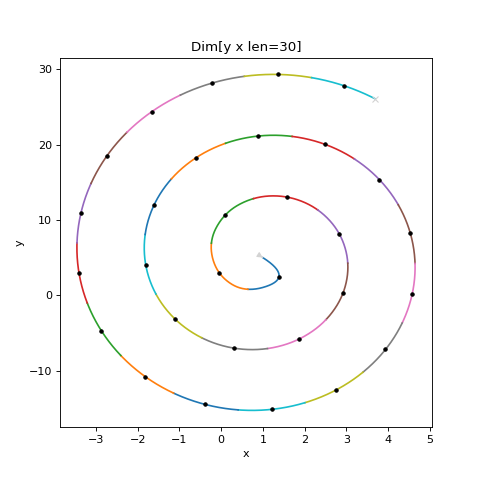
- class scanspec.specs.Snake(*args: Any, spec: Spec[Axis], type: Literal['Snake'] = 'Snake')[source]#
Run the Spec in reverse on every other iteration when nested.
Typically created with the
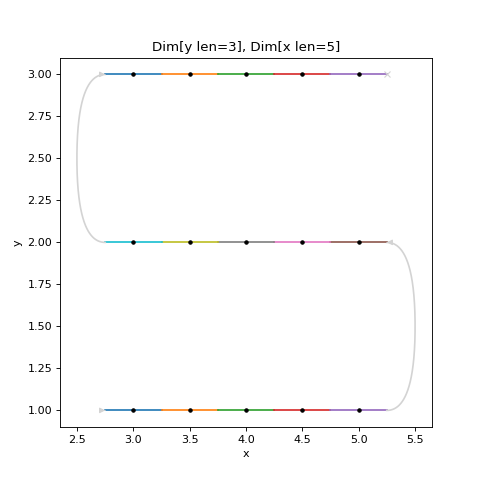
~operator.# Example Spec from scanspec.plot import plot_spec from scanspec.specs import Fly, Linspace spec = Fly(Linspace("y", 1, 3, 3) * ~Linspace("x", 3, 5, 5)) plot_spec(spec)
(
Source code,png,hires.png,pdf)
- axes() list[Axis][source]#
Return the list of axes that are present in the scan.
Ordered from slowest moving to fastest moving.
- class scanspec.specs.Spec[source]#
A serializable representation of the type and parameters of a scan.
Abstract baseclass for the specification of a scan. Supports operators:
*: OuterProductof two Specs or ints, nesting the second within the first.@:ConstantDurationof the Spec, setting a constant duration for each point.~:Snakethe Spec, reversing every other iteration of it
- axes() list[Axis][source]#
Return the list of axes that are present in the scan.
Ordered from slowest moving to fastest moving.
- duration() float | None | Literal['VARIABLE_DURATION'][source]#
Returns the duration of each scan point.
Return value will be one of: -
None: No duration defined -float: A constant duration for each point -VARIABLE_DURATION: A different duration for each point
- calculate(bounds: bool = False, nested: bool = False) list[Dimension[Axis]][source]#
Produce a stack of nested
Dimensionthat form the scan.Ordered from slowest moving to fastest moving.
- frames(bounds: bool = False) Dimension[Axis][source]#
Expand all the scan
Dimensionand return them.
- zip(other: Spec[OtherAxis]) Zip[Axis | OtherAxis][source]#
Zipthe Spec with another, iterating in tandem.
- concat(other: Spec[Axis]) Concat[Axis][source]#
Concatthe Spec with another, iterating one after the other.
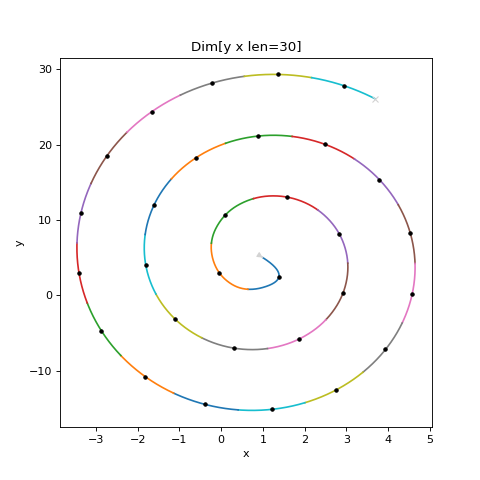
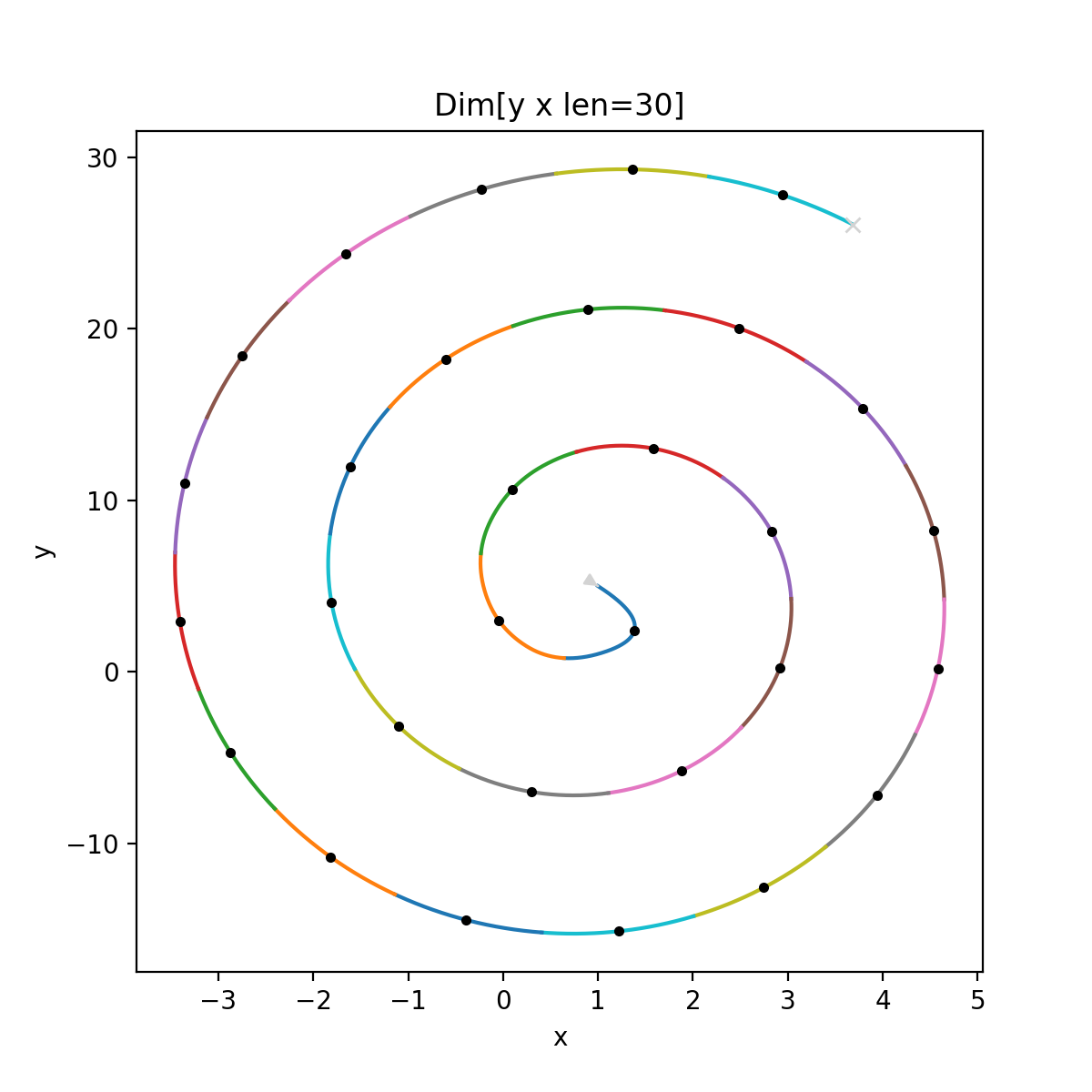
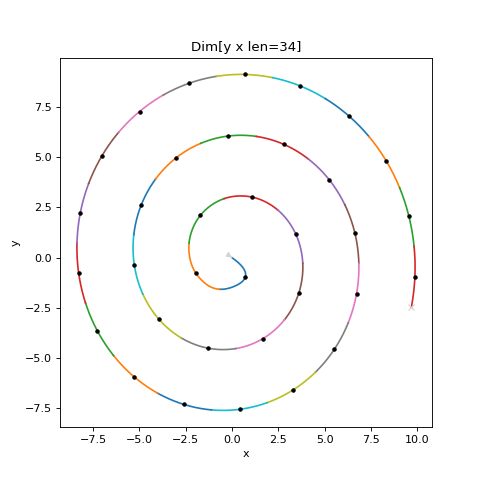
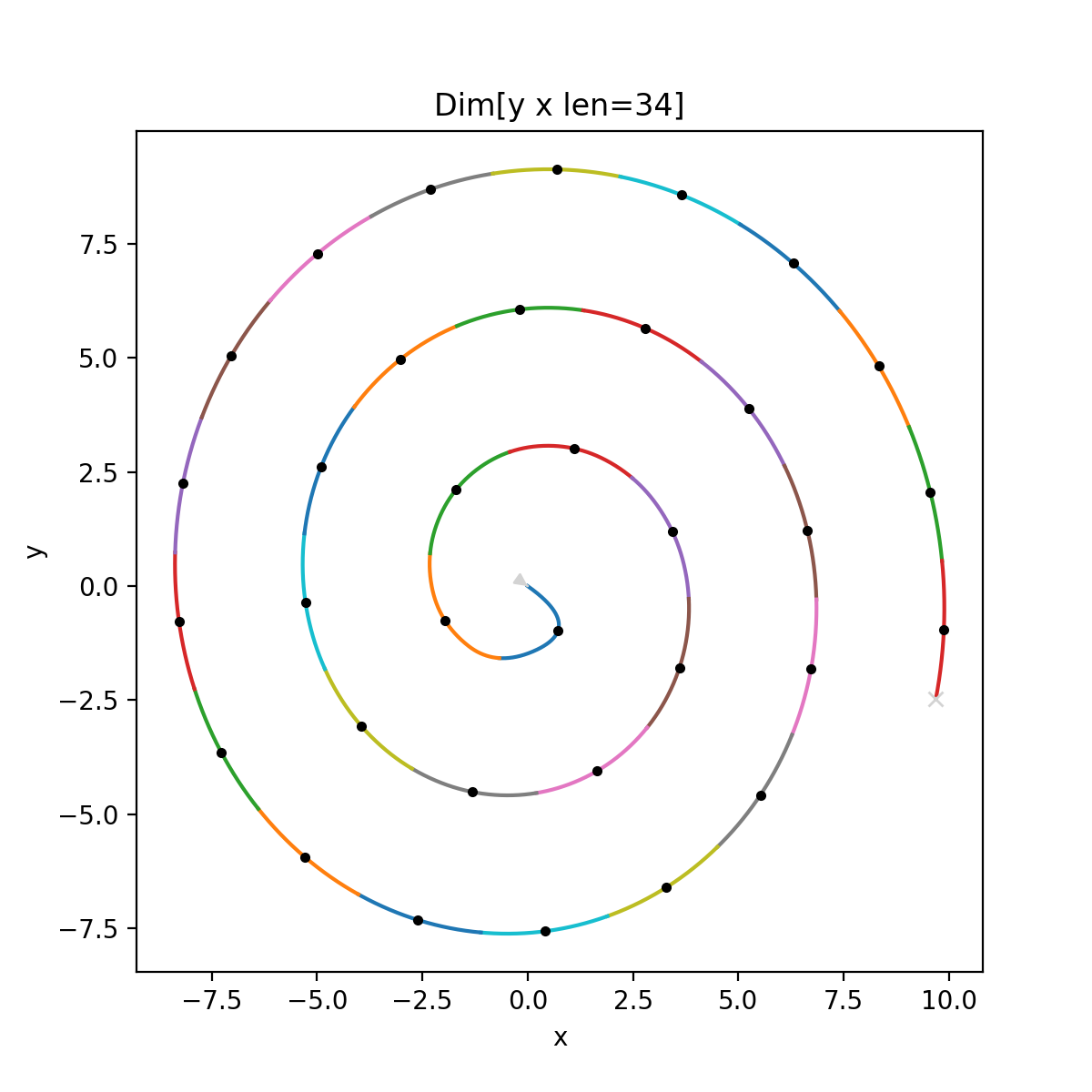
- class scanspec.specs.Spiral(*args: Any, x_axis: Axis, x_centre: float, x_diameter: float, x_step: float, y_axis: Axis, y_centre: float, y_diameter: float = <factory>, type: Literal['Spiral'] = 'Spiral')[source]#
Archimedean spiral of “x_axis” and “y_axis”.
Starts at centre point (“x_start”, “y_start”)”. Produces “num” points in a spiral spanning width of “x_range” and height of “y_range”
# Example Spec

from scanspec.plot import plot_spec
from scanspec.specs import Fly, Spiral

spec = Fly(Spiral("x", 1, 10, 2.5, "y", 5, 50))
plot_spec(spec)
(
Source code,png,hires.png,pdf)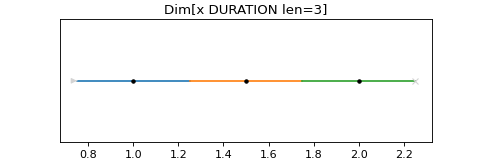
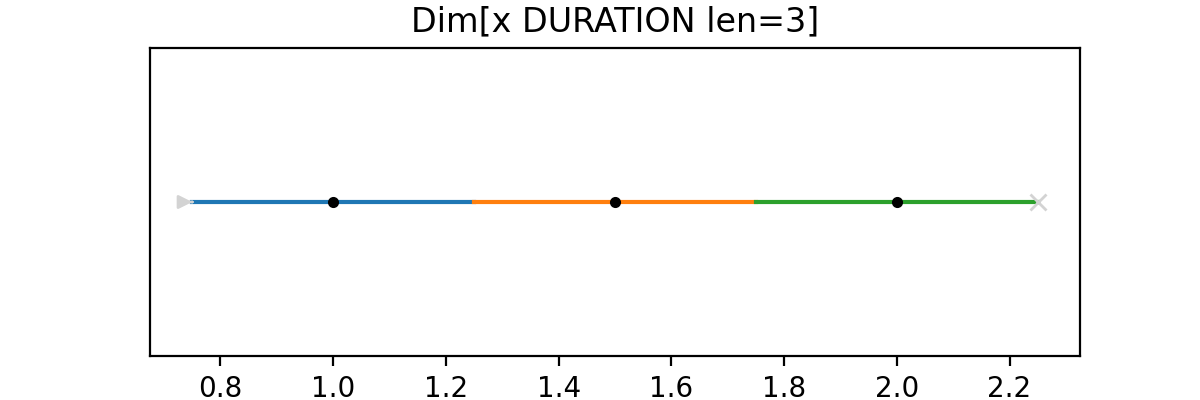
- class scanspec.specs.Squash(*args: Any, spec: Spec[Axis], check_path_changes: bool = True, type: Literal['Squash'] = 'Squash')[source]#
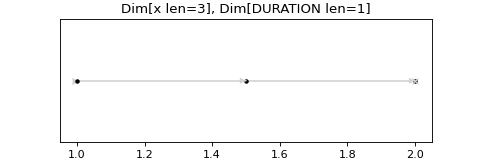
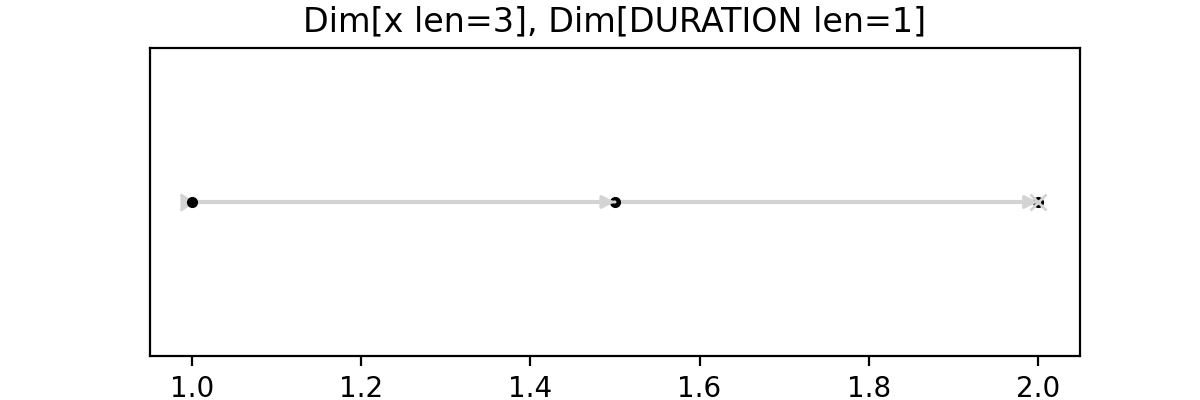
Squash a stack of Dimension together into a single expanded Dimension object.
# Example Spec

from scanspec.plot import plot_spec
from scanspec.specs import Fly, Linspace, Squash

spec = Fly(Squash(Linspace("y", 1, 2, 3) * Linspace("x", 0, 1, 4)))
plot_spec(spec)
(
Source code,png,hires.png,pdf)
- axes() list[Axis][source]#
Return the list of axes that are present in the scan.
Ordered from slowest moving to fastest moving.
- class scanspec.specs.Static(*args: Any, axis: Axis, value: float, num: Annotated[int, Ge(ge=1)] = 1, type: Literal['Static'] = 'Static')[source]#
A static frame, repeated num times, with axis at value.
Can be used to set axis=value at every point in a scan.
# Example Spec

from scanspec.plot import plot_spec
from scanspec.specs import Fly, Linspace, Static

spec = Fly(Linspace("y", 1, 2, 3).zip(Static("x", 3)))
plot_spec(spec)
(
Source code,png,hires.png,pdf)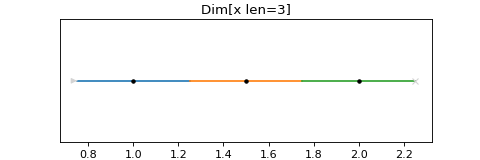


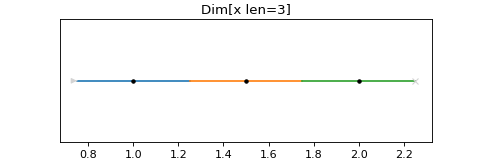
- class scanspec.specs.Zip(*args: Any, left: Spec[Axis], right: Spec[Axis], type: Literal['Zip'] = 'Zip')[source]#
Run two Specs in parallel, merging their midpoints together.
Typically formed using
Spec.zip.Stacks of Dimension are merged by:
If right creates a stack of a single Dimension object of size 1, expand it to the size of the fastest Dimension object created by left
Merge individual Dimension objects together from fastest to slowest
This means that Zipping a Spec producing stack [l2, l1] with a Spec producing stack [r1] will assert len(l1)==len(r1), and produce stack [l2, l1.zip(r1)].
# Example Spec

from scanspec.plot import plot_spec
from scanspec.specs import Fly, Linspace

spec = Fly(
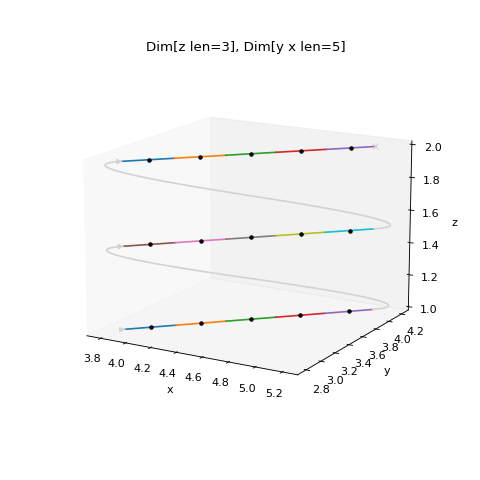
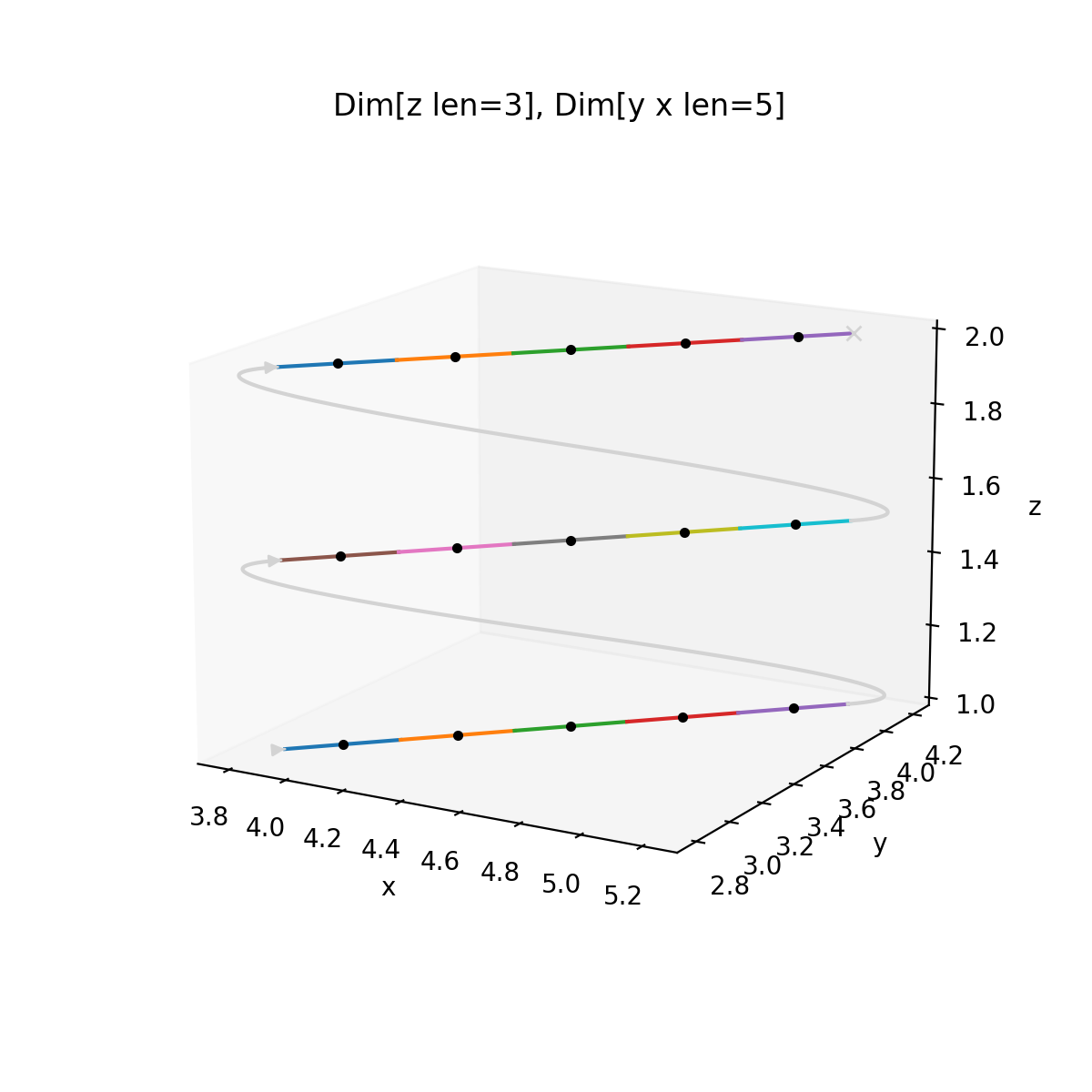
    Linspace("z", 1, 2, 3) * Linspace("y", 3, 4, 5).zip(Linspace("x", 4, 5, 5))
)
plot_spec(spec)
(
Source code,png,hires.png,pdf)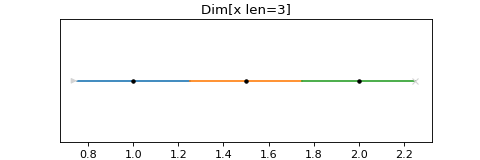
- axes() list[Axis][source]#
Return the list of axes that are present in the scan.
Ordered from slowest moving to fastest moving.

- scanspec.specs.fly(spec: Spec[Axis], duration: float) Spec[Axis | str][source]#
Flyscan, zipping with fixed duration for every frame.
- Parameters:
spec – The source
Specto continuously moveduration – How long to spend at each frame in the spec
Deprecated since version 1.0.0: You should use
FlyandConstantDurationinstead
- scanspec.specs.step(spec: Spec[Axis], duration: float, num: int = 1) Spec[Axis][source]#
Step scan, with num frames of given duration at each frame in the spec.
- Parameters:
spec – The source
Specwith midpoints to move to and stopduration – The duration of each scan frame
num – Number of frames to produce with given duration at each of frame in the spec
Deprecated since version 1.0.0: You should use
ConstantDurationinstead.